Admin User
Two type of users can be defined – Admin users and Application users. Only users with admin privileges can see below features -
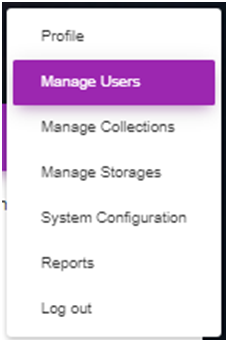
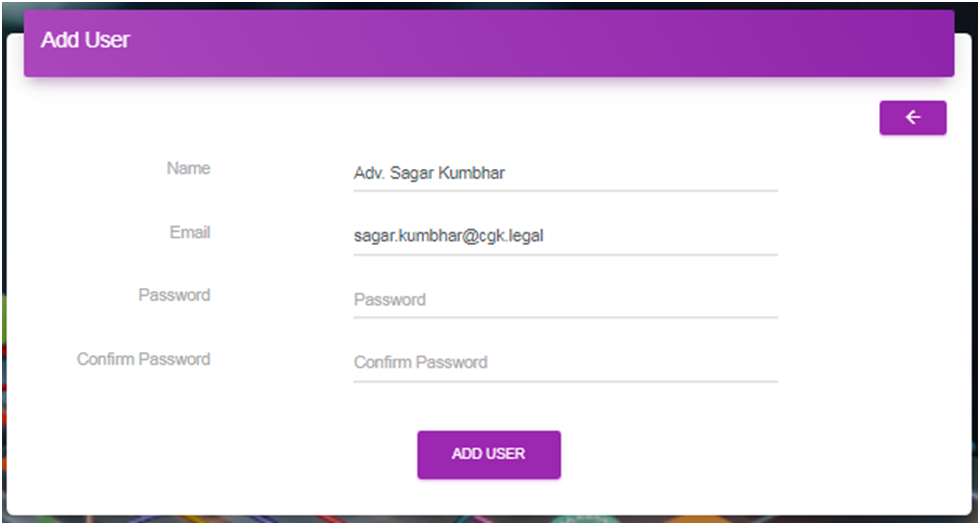
A new user can be added in system using this feature. Only admin can add a new user. These are registered users of application. All registered users are entitled to browse through public collections. Only registered users can be added to private collections.
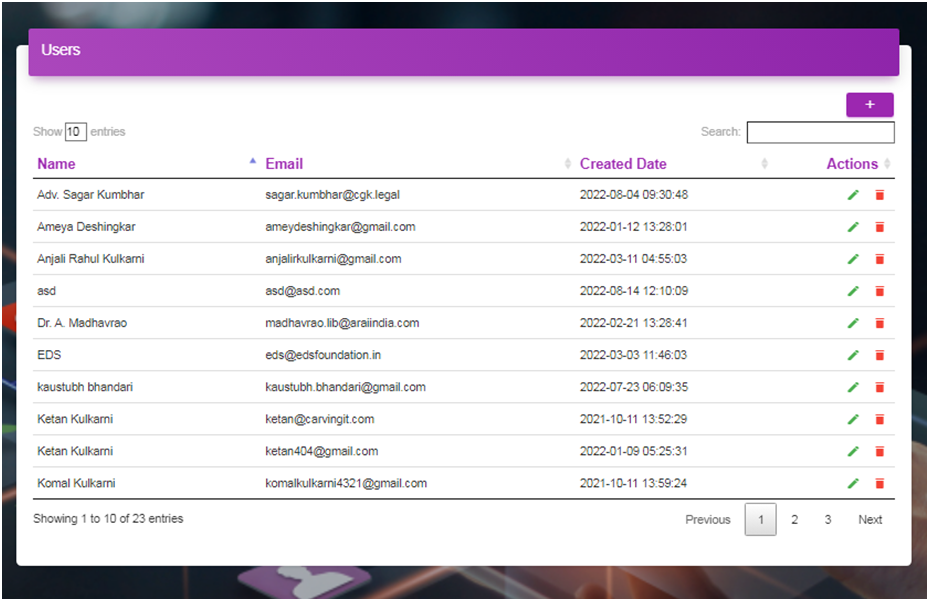
By click of  icon, admin can delete users.
By click of  icon, admin user can edit / reset the Name, Email and Password of existing user.
Only admin can create a new collection using this feature.
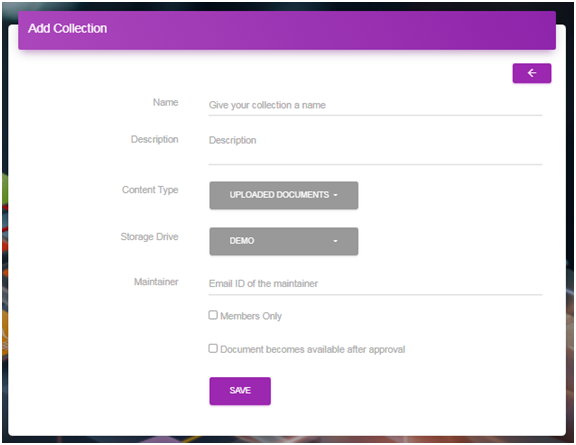
To create a collection, provide name, description, content type, storage drive, and maintainer. If “members only” check box is tick marked then the collection is a private collection. To make the documents available after approval, tick mark the check box “Documents becomes available after approval”
Only registered user can be added as maintainer of a collection. A maintainer is the owner of collection and only he can add users to collections. Only Maintainer can add users to collections and these users must be registered users. Only maintainer can see configuration features for a collection as shown below.

Configuration features of collections
Admin user can create new storage. As of now, Google Drive, FTP, SFTP and S3 types of storages are supported.
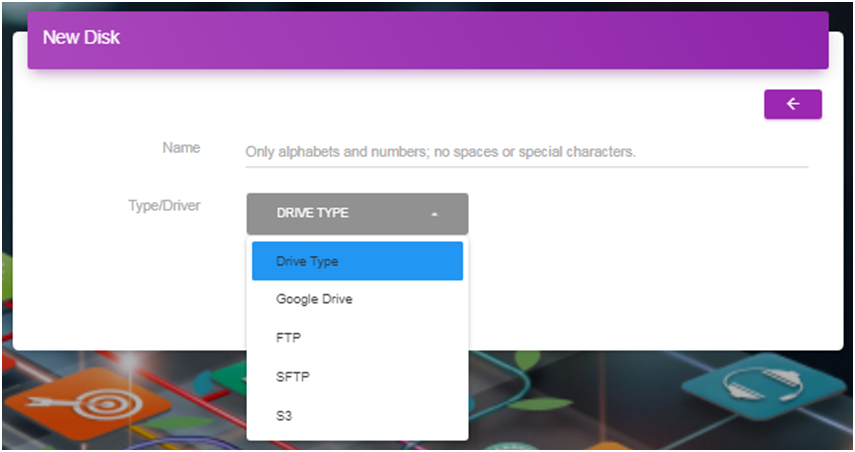
New storage
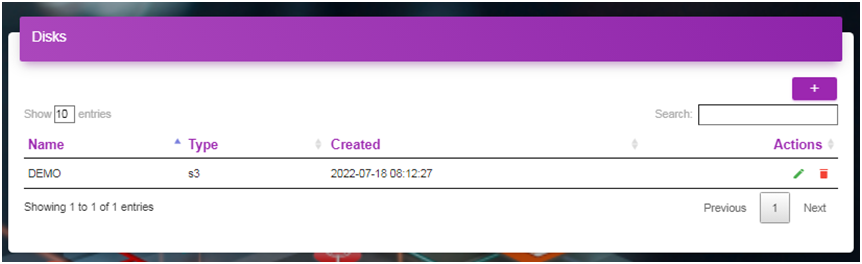
By click of  and
and  icons existing storage can be edited and deleted.
Site logo, Favicon, Home Page Info, contact info, background and banner image can be customized using this feature.
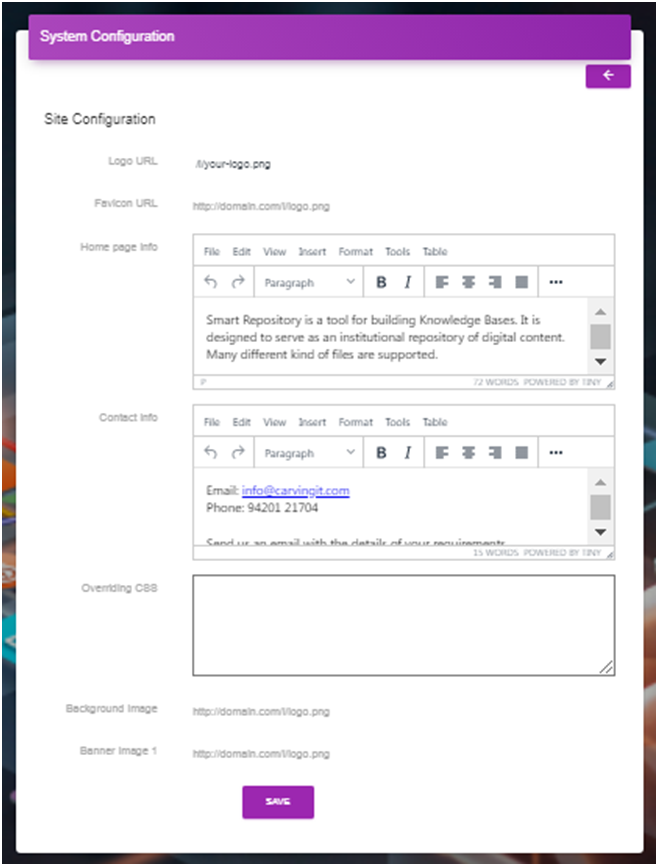
System configuration
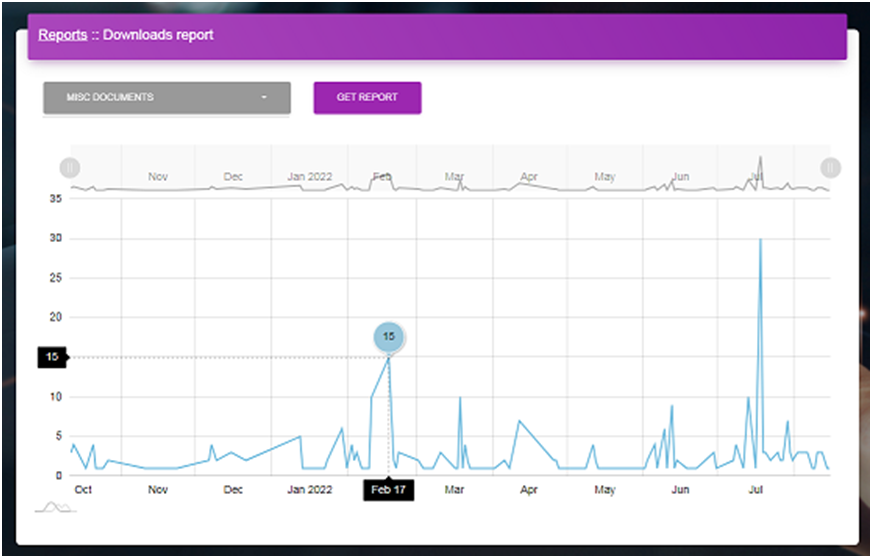
Reports can be downloaded / viewed for a collection using this feature by clicking Download link.

A report as shown below displays the activity for a collections over a period of time.