




UIng is a Crystal binding for kojix2/libui-ng. You can use the Crystal language to create cross-platform native desktop apps.
libui-ng uses the native APIs of each platform: Win32 API, Direct2D, and DirectWrite on Windows; Cocoa (AppKit) on macOS; and GTK+ 3.10+ and Pango on Linux/Unix. You get windows, buttons, text boxes, menus, dialogs, drawing areas, and other standard widgets.
| Windows | Mac | Linux |
|---|---|---|
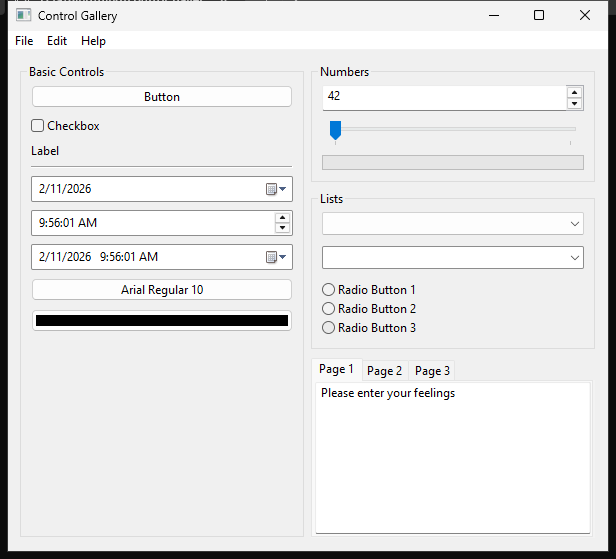 |
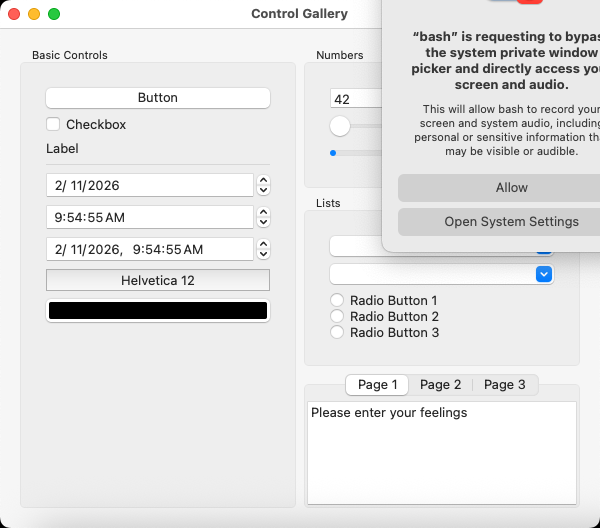 |
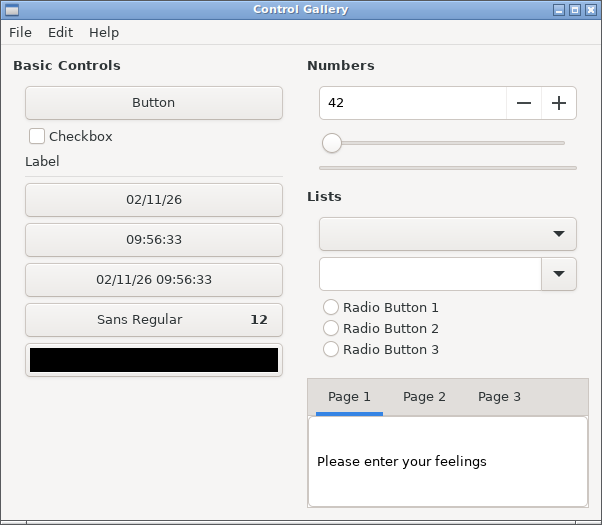 |
📸 Live Documentation: All screenshots in the README are automatically generated by GitHub Actions on every push, ensuring cross-platform compatibility (Linux, Windows, macOS).
- macOS: x86_64 (64-bit), ARM64 (Apple Silicon)
- Linux: x86_64 (64-bit), ARM64
- Windows: x86_64 (64-bit, MSVC, MinGW, and UCRT)
Add the dependency to your shard.yml:
dependencies:
  uing:
github: kojix2/uing- The required libui-ng binary is automatically downloaded from kojix2/libui-ng GitHub Releases via postinstall.
- The UIng project is not just a binding; it provides unofficial patched builds of libui-ng for platforms. For more details, see the README.md and commits on the
devbranch.
Clone the repository:
git clone https://github.com/kojix2/uing
cd uing
Create the libui directory and download the static library for your platform:
crystal run download.crTo run the control_gallery example, use the following command:
crystal run examples/gallery/control_gallery.crThe MSVC build requires Visual Studio Build Tools and a Windows SDK. Run the commands above in x64 Native Tools Command Prompt or Developer PowerShell for Visual Studio, because a regular Command Prompt or PowerShell session is not configured for MSVC.
require "uing"

UIng.init

window = UIng::Window.new("Hello World", 300, 200)
window.on_closing do
  UIng.quit
  true
end

button = UIng::Button.new("Click me")
button.on_clicked do
  window.msg_box("Info", "Button clicked!")
end

window.set_child(button)
window.show

UIng.main
UIng.uninitrequire "uing"
UIng.init do
UIng::Window.new("Hello World", 300, 200) { |win|
on_closing { UIng.quit; true }
set_child {
UIng::Button.new("Click me") {
on_clicked {
win.msg_box("Info", "Button clicked!")
}
}
}
show
}
UIng.main
endNote: The DSL style is implemented using Crystal's with ... yield syntax internally.
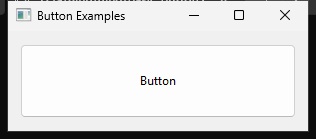
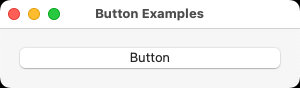
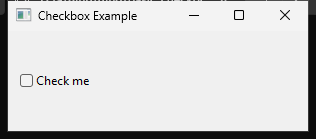
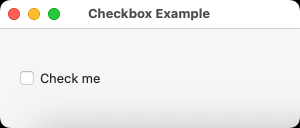
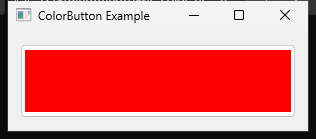
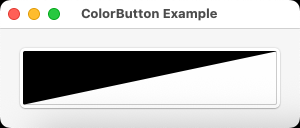
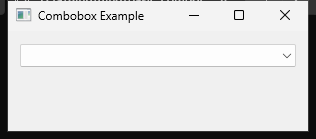
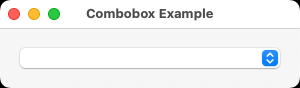
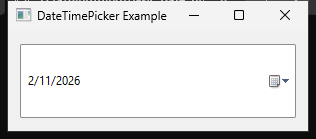
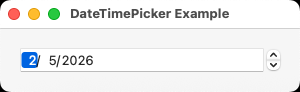
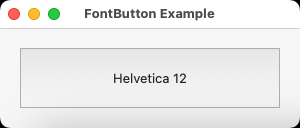
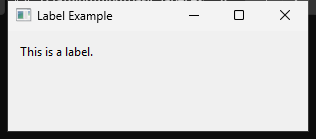
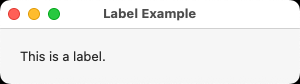
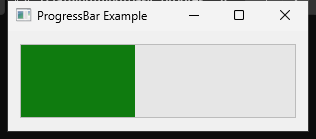
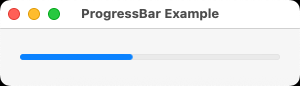
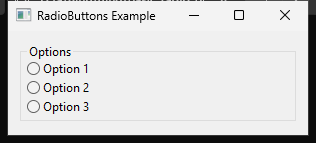
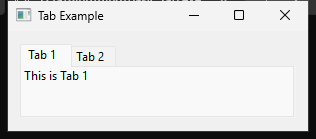
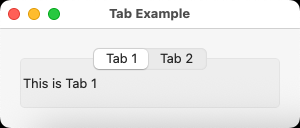
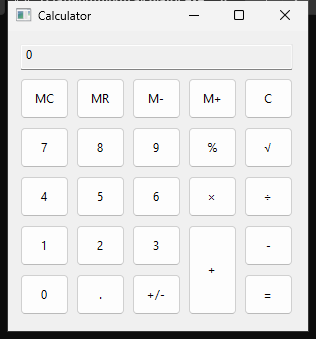
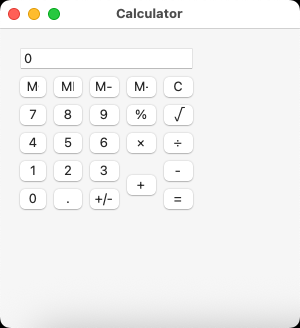
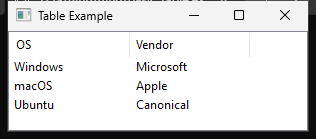
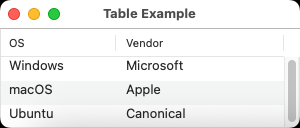
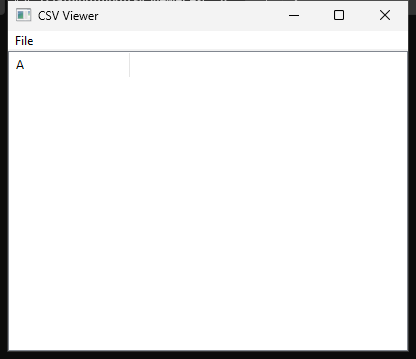
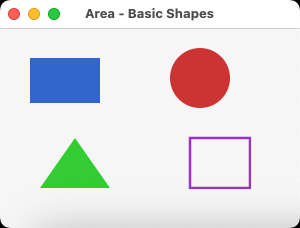
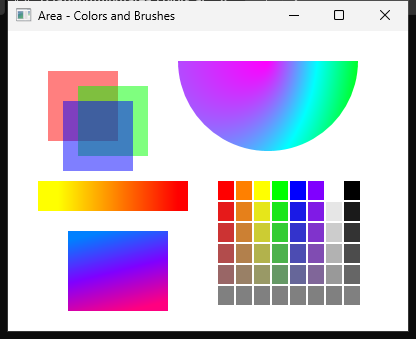
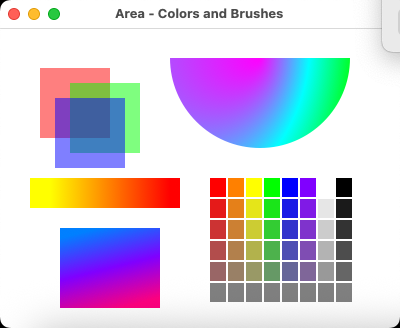
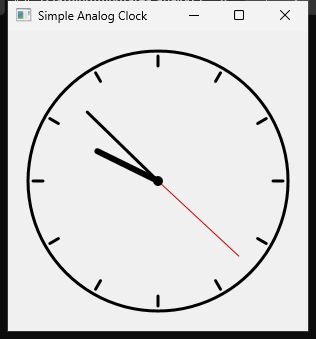
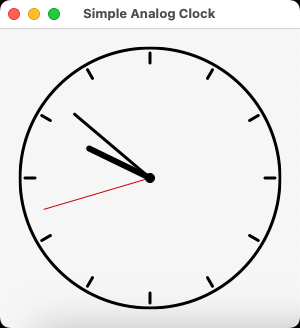
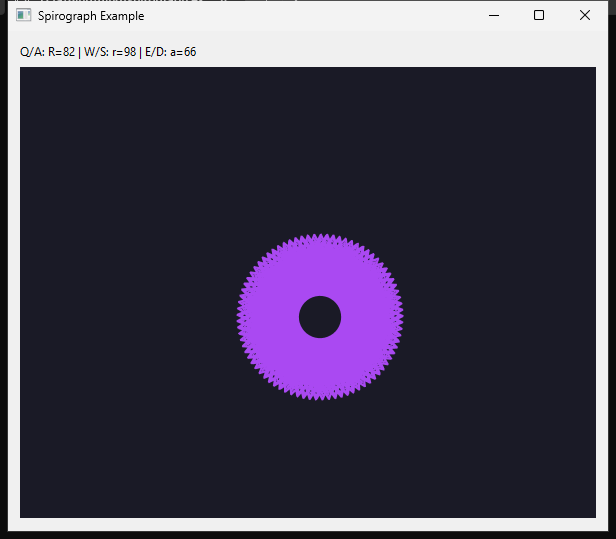
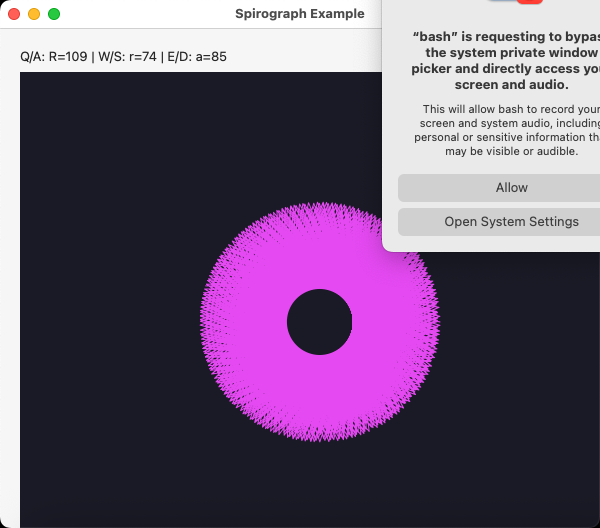
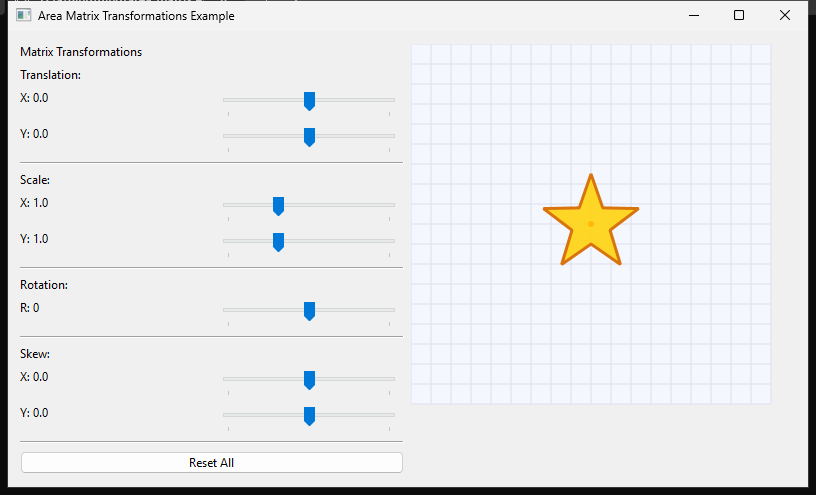
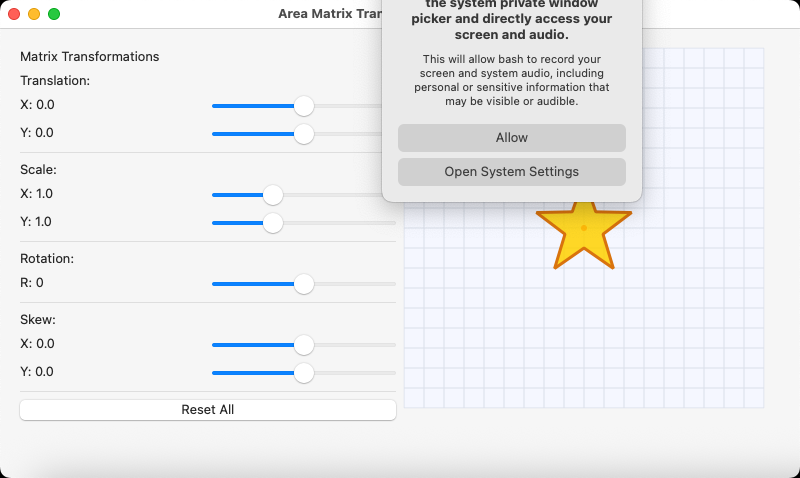
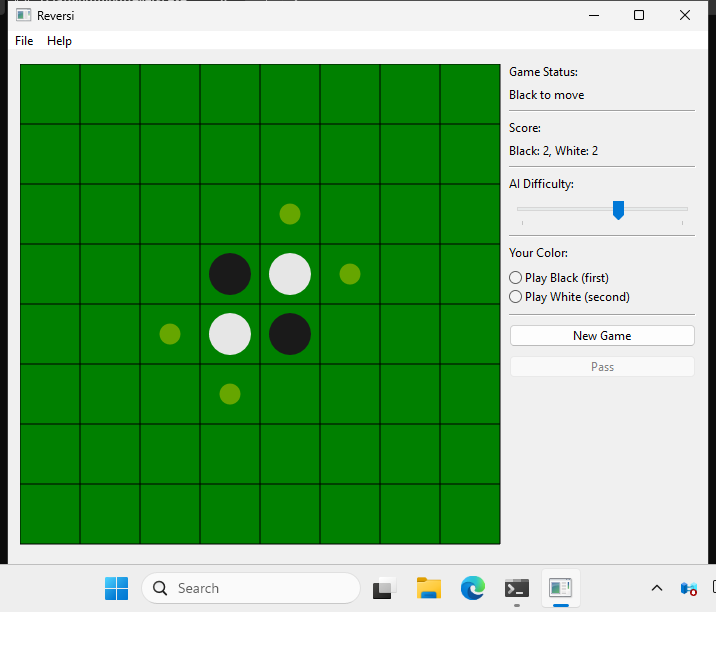
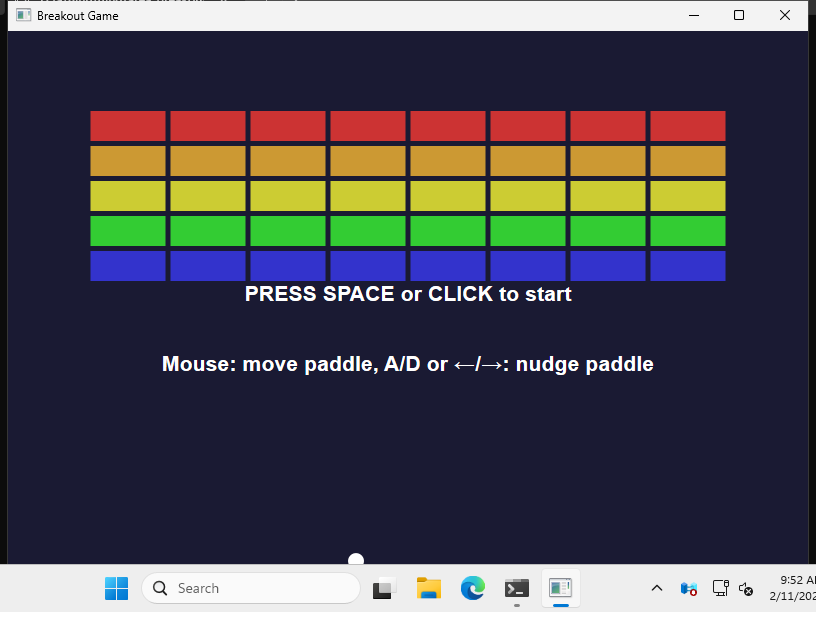
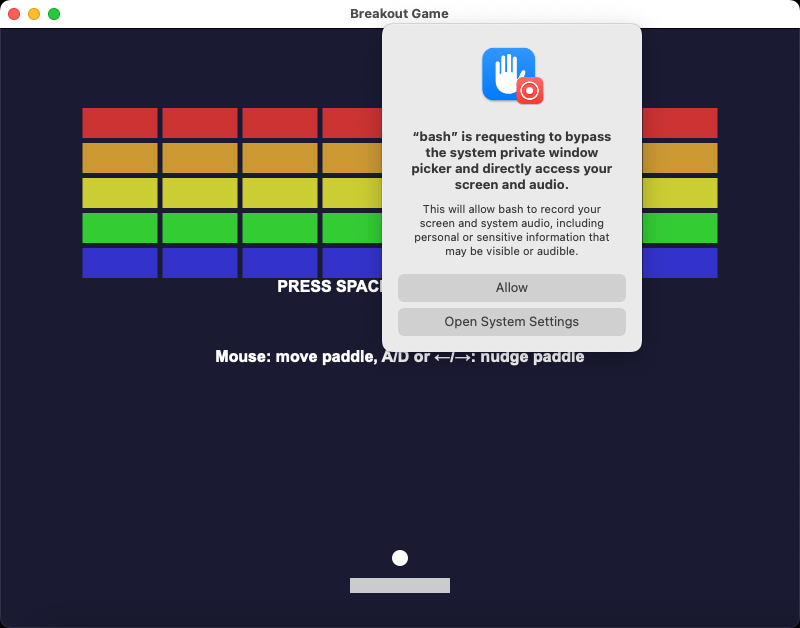
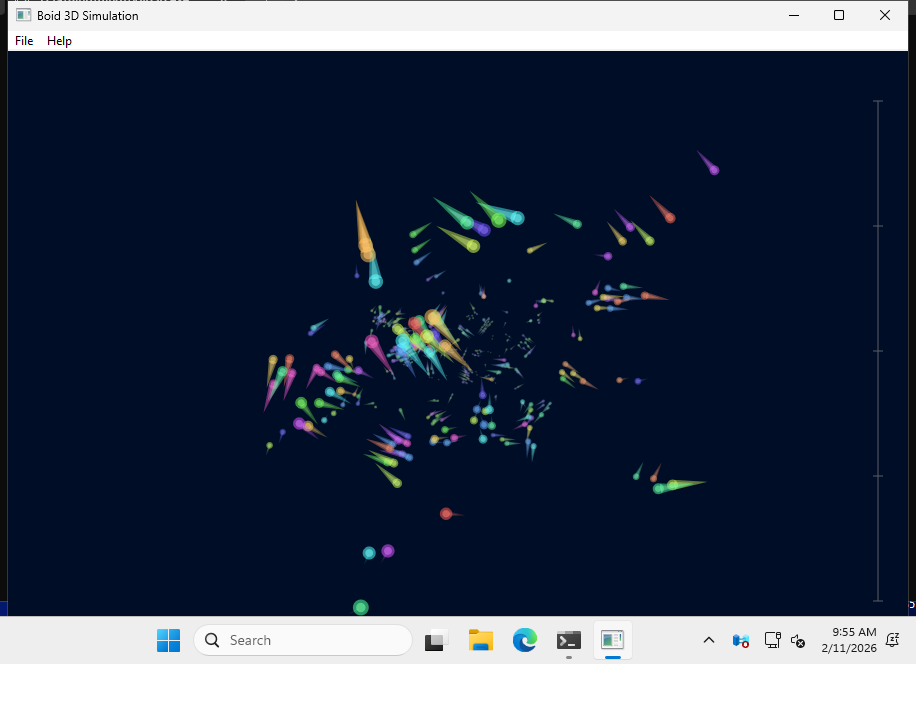
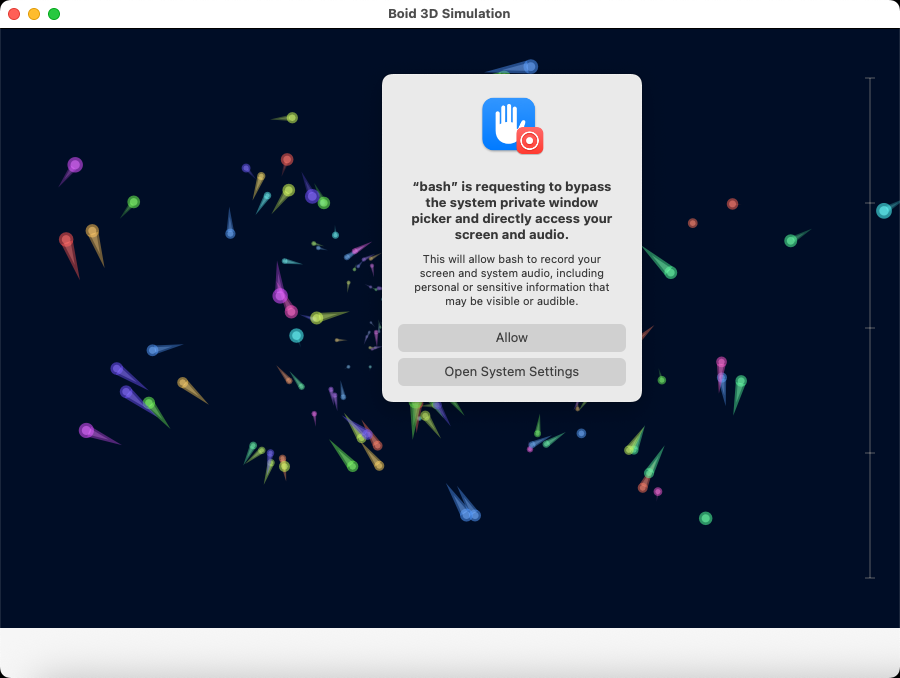
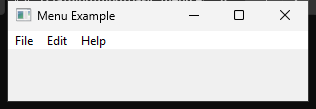
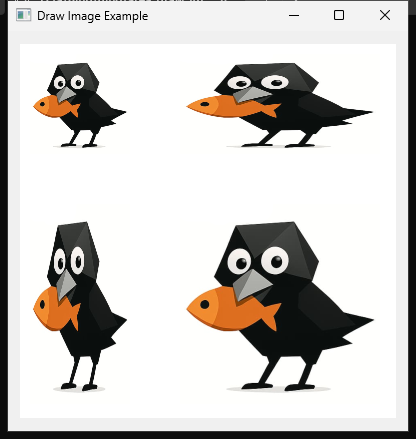
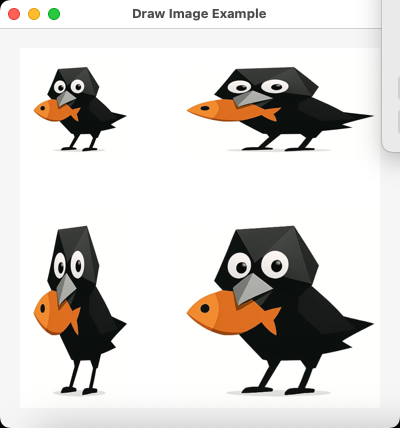
This gallery shows screenshots of example on three platforms (Ubuntu, Windows, macOS).
Images are automatically generated and stored in the screenshots branch.
| Control | Ubuntu | Windows | macOS |
|---|---|---|---|
| Window | 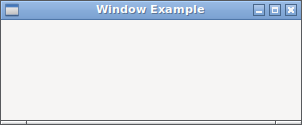 |
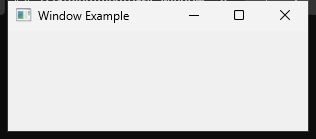 |
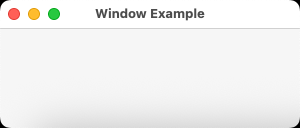 |
| Toolbar | 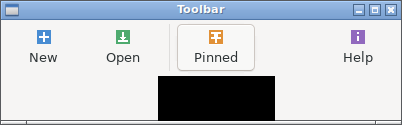 |
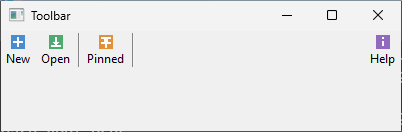 |
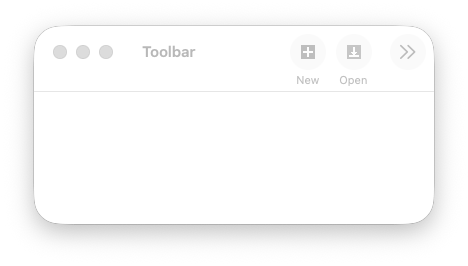 |
Note: Toolbar is a feature specific to kojix2/libui-ng. It is experimental and may change.
| Control | Ubuntu | Windows | macOS |
|---|---|---|---|
| Button | 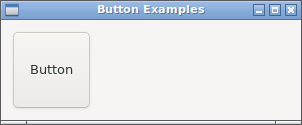 |
 |
 |
| Checkbox | 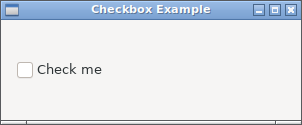 |
 |
 |
| ColorButton | 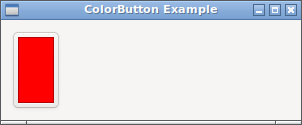 |
 |
 |
| Combobox | 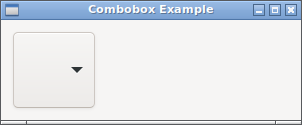 |
 |
 |
| DateTimePicker | 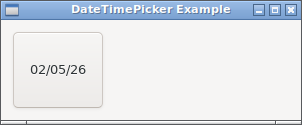 |
 |
 |
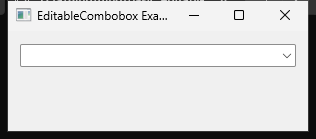
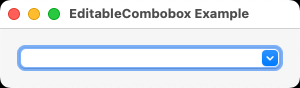
| EditableCombobox | 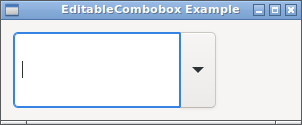 |
 |
 |
| Entry | 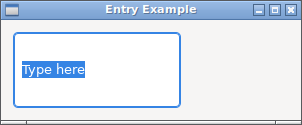 |
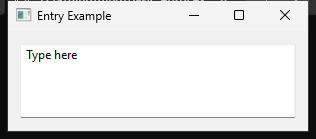 |
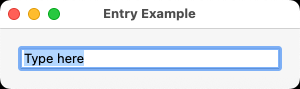 |
| FontButton | 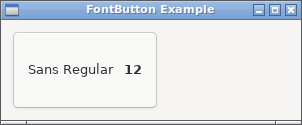 |
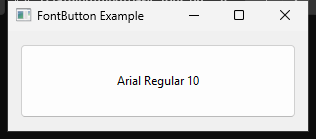 |
 |
| Label | 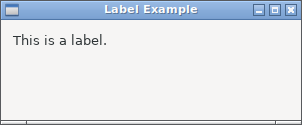 |
 |
 |
| MultilineEntry | 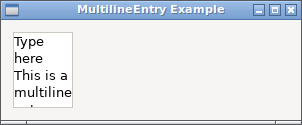 |
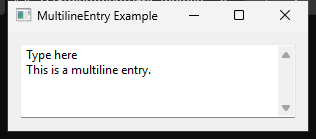 |
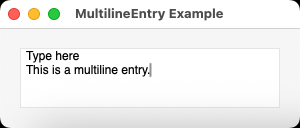 |
| Progressbar | 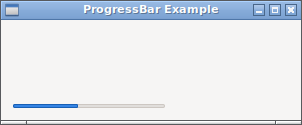 |
 |
 |
| RadioButtons | 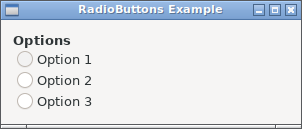 |
 |
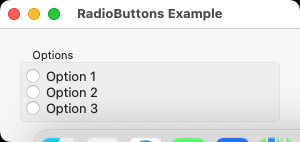 |
| Separator |  |
 |
 |
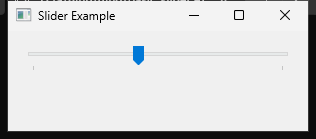
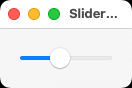
| Slider | 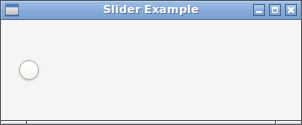 |
 |
 |
| Spinbox | 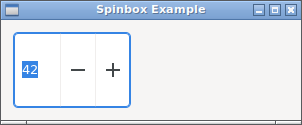 |
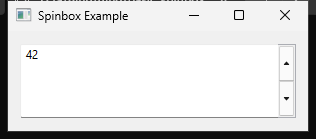 |
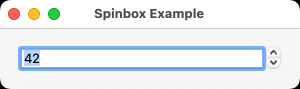 |
| Container | Ubuntu | Windows | macOS |
|---|---|---|---|
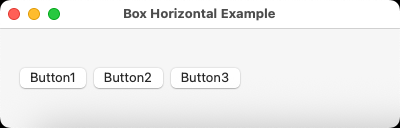
| Box (Horizontal) | 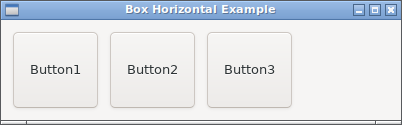 |
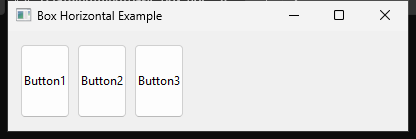 |
 |
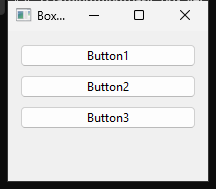
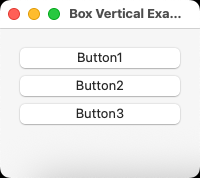
| Box (Vertical) | 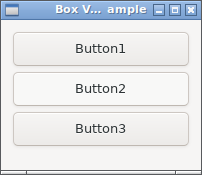 |
 |
 |
| Tab | 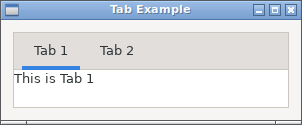 |
 |
 |
| Form | 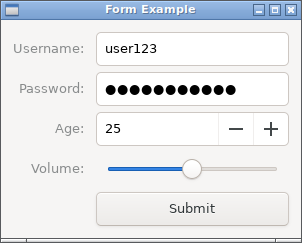 |
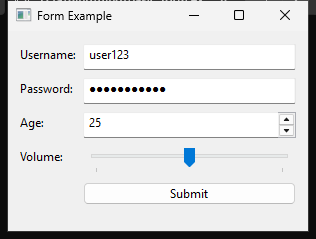 |
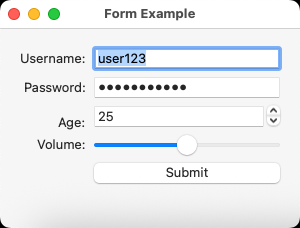 |
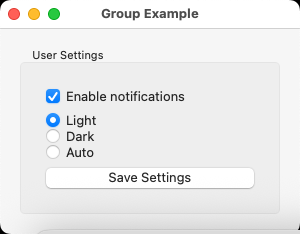
| Group | 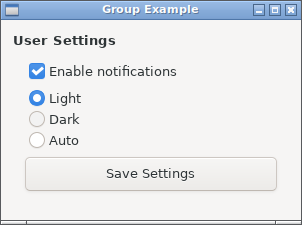 |
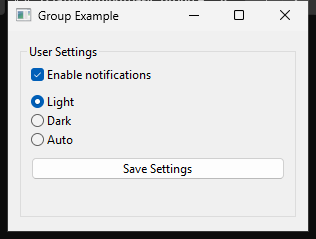 |
 |
| Grid | 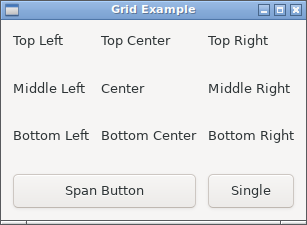 |
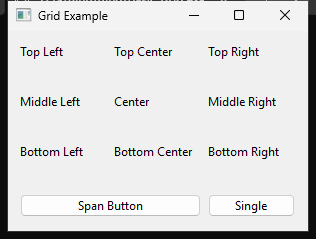 |
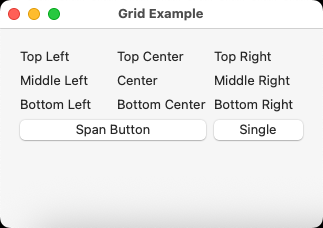 |
| Grid (Calculator) | 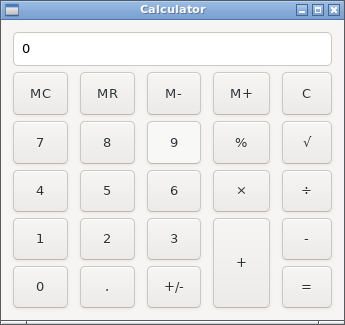 |
 |
 |
| Example | Ubuntu | Windows | macOS |
|---|---|---|---|
| basic_table | 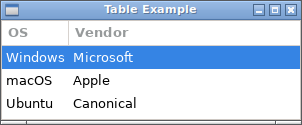 |
 |
 |
| csv_viewer | 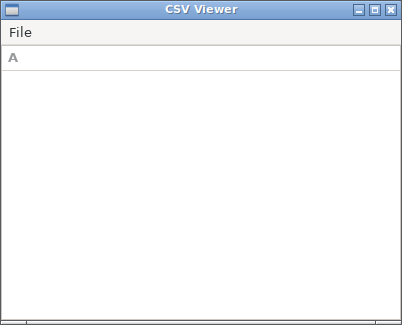 |
 |
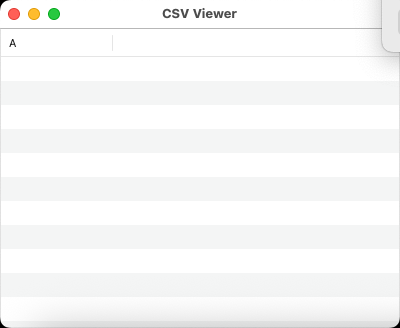 |
| advanced_table |  |
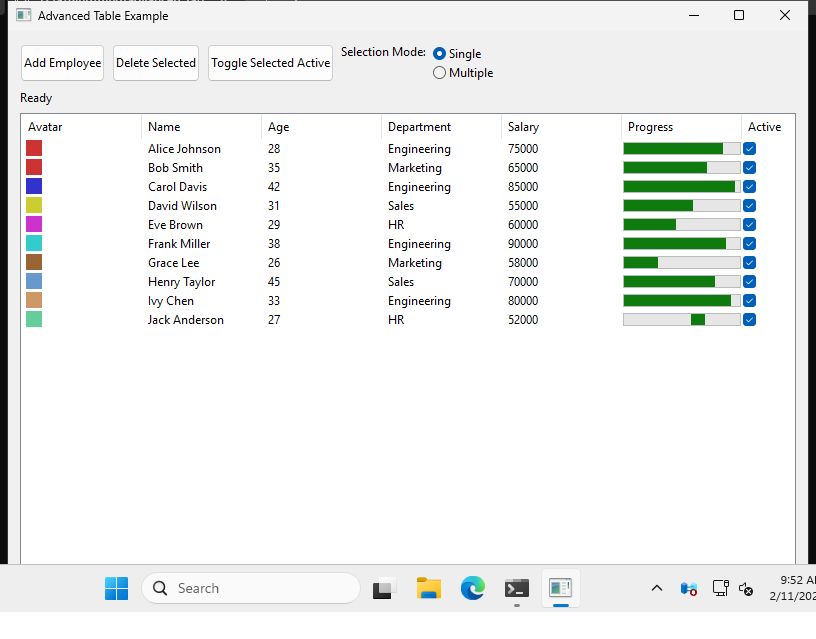 |
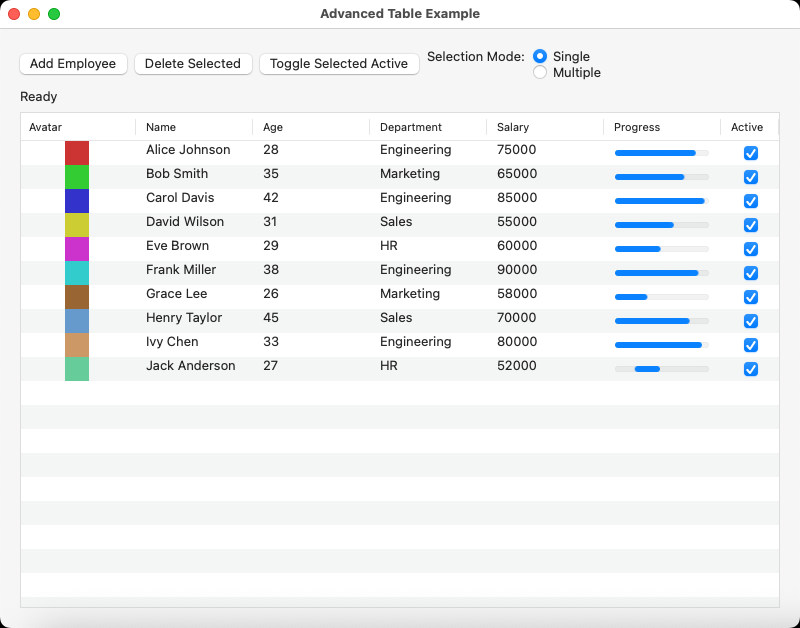 |
| Example | Ubuntu | Windows | macOS |
|---|---|---|---|
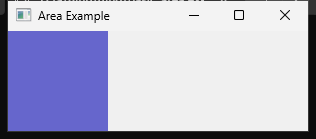
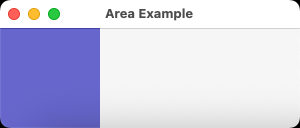
| basic_area |  |
 |
 |
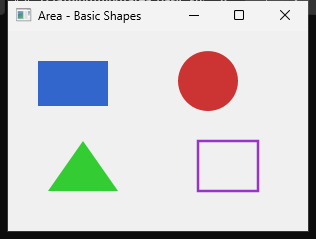
| area_basic_shapes | 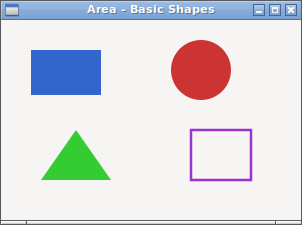 |
 |
 |
| area_colors_and_brushes | 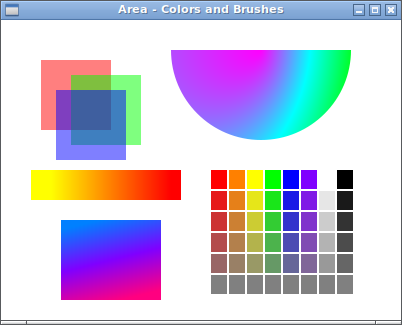 |
 |
 |
| area_analog_clock | 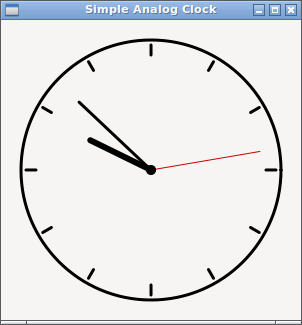 |
 |
 |
| spirograph | 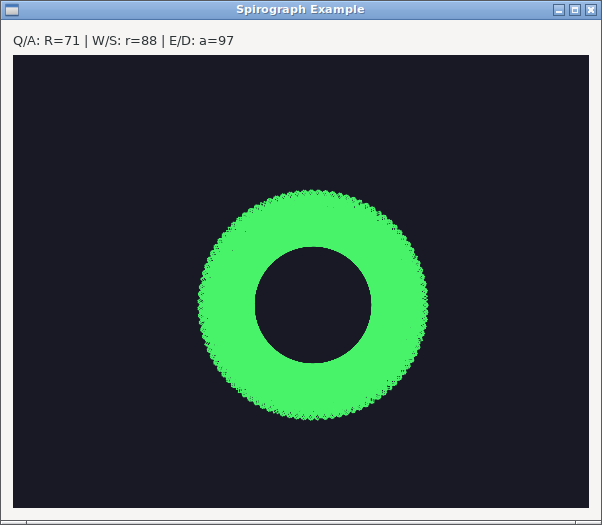 |
 |
 |
| area_matrix | 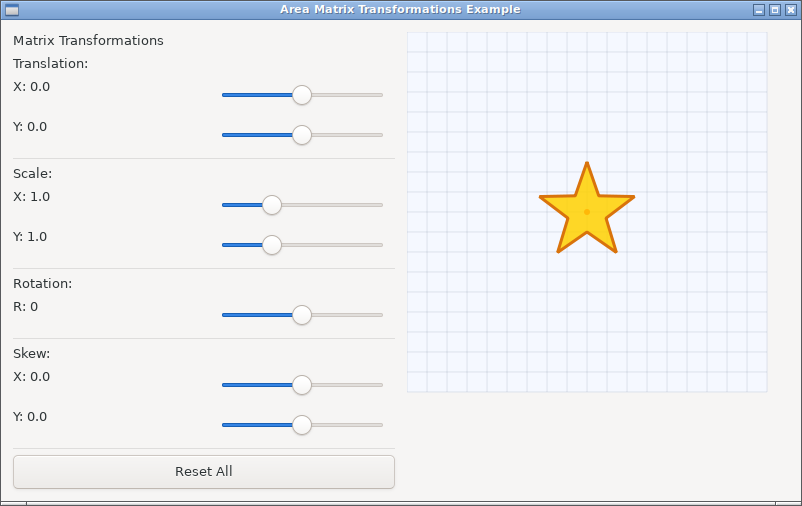 |
 |
 |
| basic_draw_text | 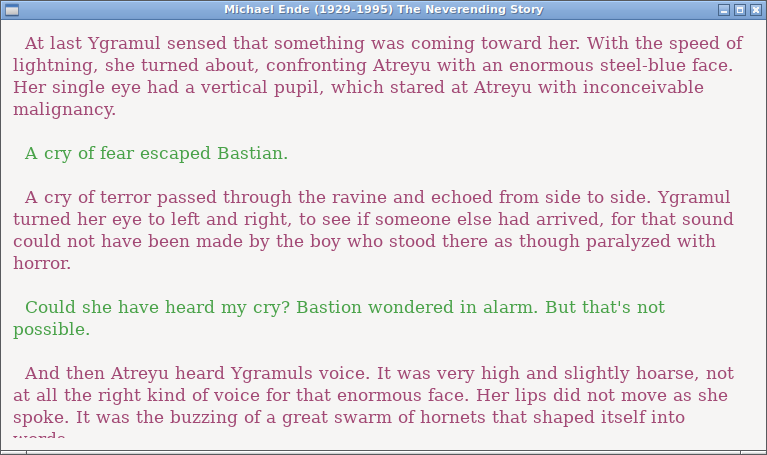 |
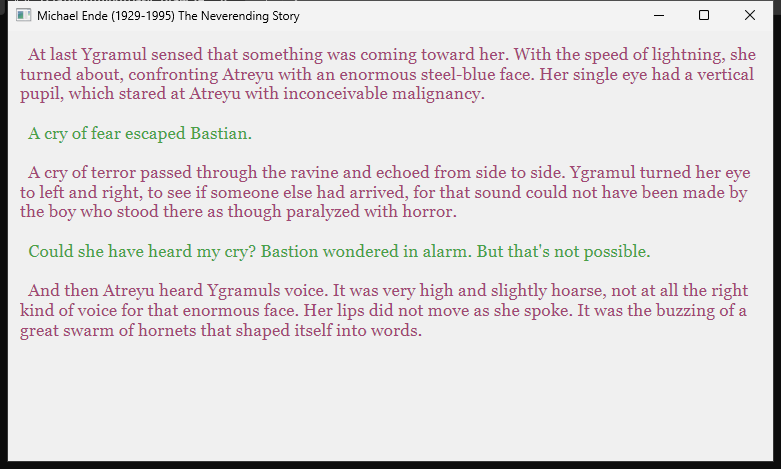 |
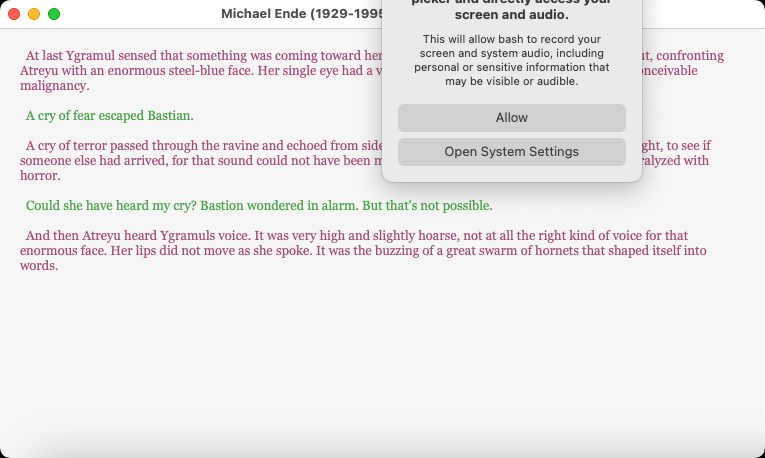 |
| reversi | 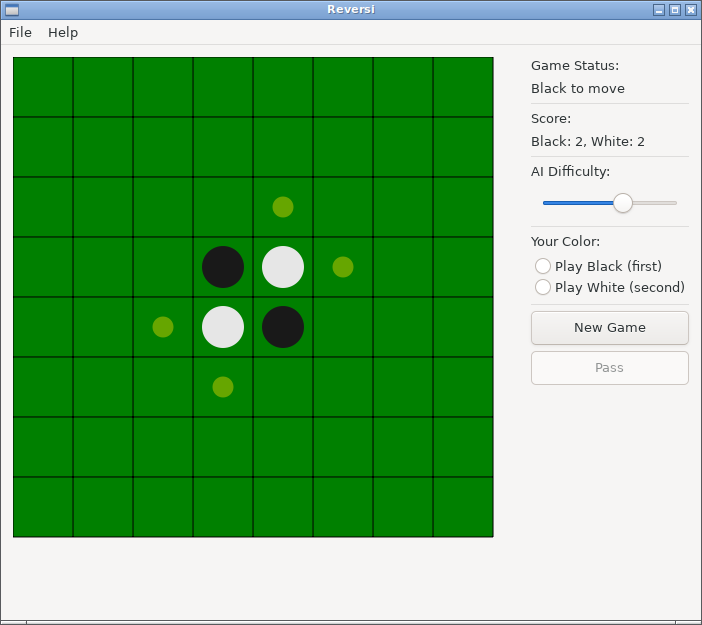 |
 |
 |
| area_breakout | 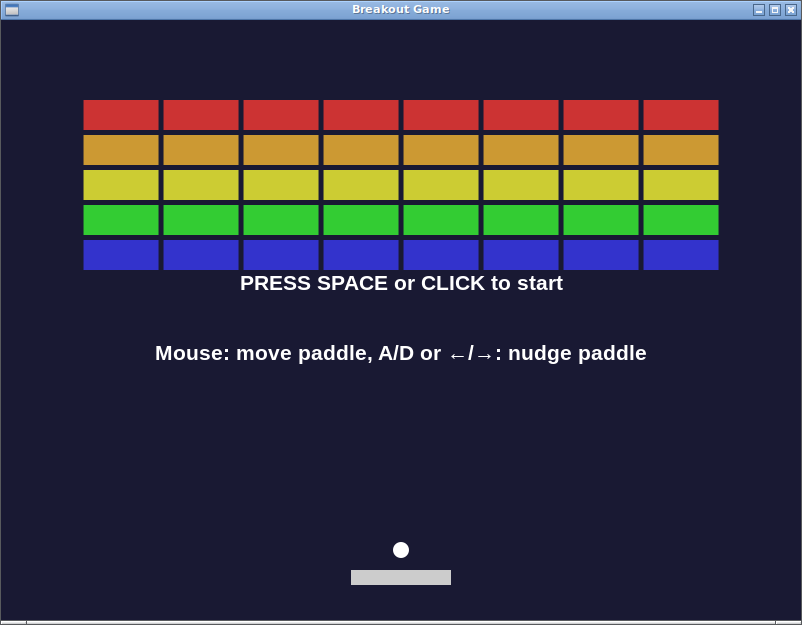 |
 |
 |
| boid3d | 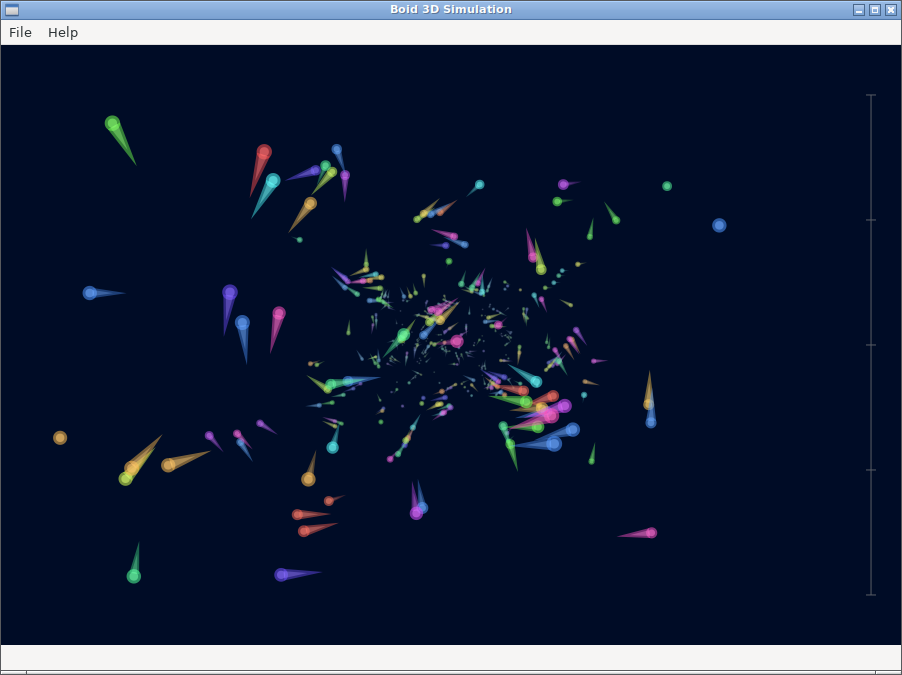 |
 |
 |
| Example | Ubuntu | Windows | macOS |
|---|---|---|---|
| basic_menu | 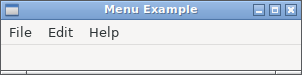 |
 |
 |
| Example | Ubuntu | Windows | macOS |
|---|---|---|---|
| basic_msg_box | 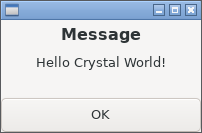 |
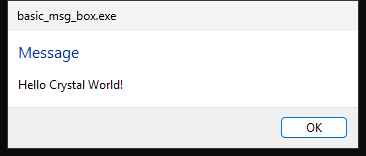 |
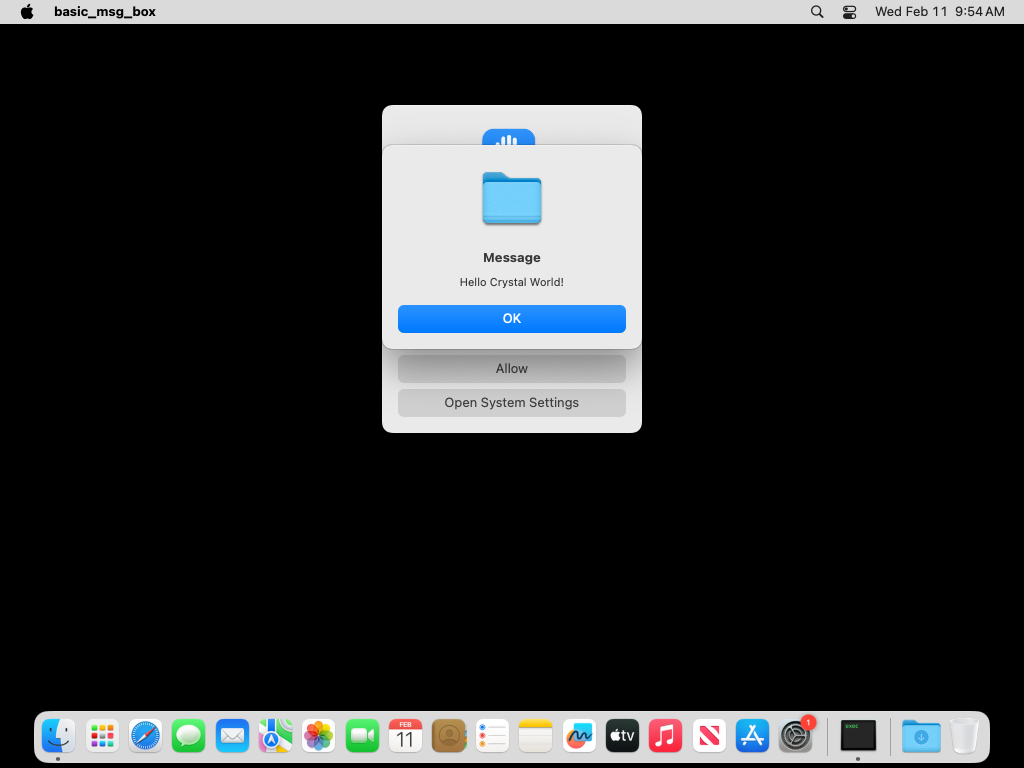 |
| basic_msg_box_error | 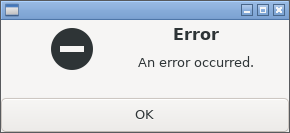 |
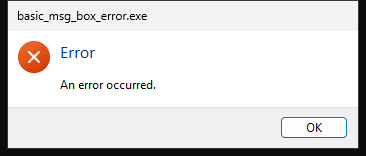 |
 |
| Example | Ubuntu | Windows | macOS |
|---|---|---|---|
| area_draw_image | 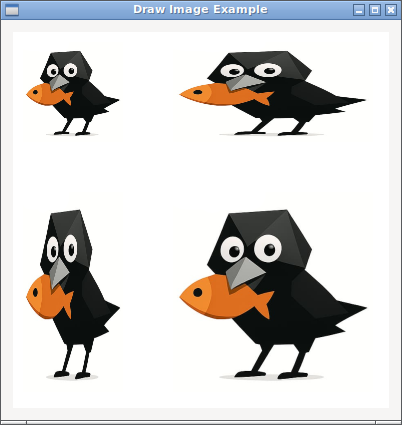 |
 |
 |
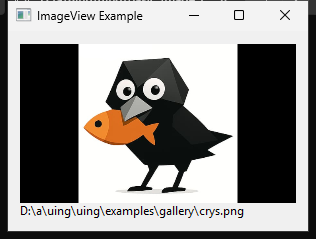
| basic_image_view | 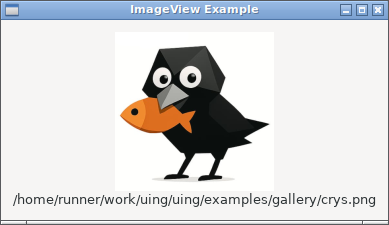 |
 |
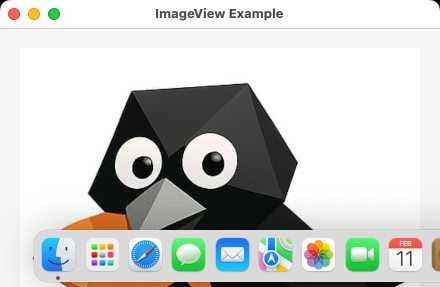 |
Note: Image display is a feature introduced in kojix2/libui-ng. This feature is not present in the original libui-ng.
| Level | Defined in | Example | Description |
|---|---|---|---|
| High-Level | src/uing/*.cr |
button.on_clicked { }, etc. |
Object-oriented API |
| Low-Level | src/uing/lib_ui/lib_ui.cr |
UIng::LibUI.new_button, etc. |
Direct bindings to libui |
- Almost all basic control functions such as
Window,Label, andButtonare covered. - APIs for advanced controls such as
TableandAreaare also provided.
Some UIng objects must be cleaned up manually when they are no longer needed. Use destroy for controls and free for some other resources, such as images.
This section explains when and how to clean up UIng objects.
Some UIng controls can contain other controls. For example, a Window can contain a Box, and a Box can contain controls such as Button. The containing control is the parent, and a control inside it is a child.
Destroying a parent automatically destroys all of its children. Normally, you only need to destroy the parent rather than each child individually.
window = UIng::Window.new("App", 400, 300)
box = UIng::Box.new(:vertical)
button = UIng::Button.new("OK")

box.append(button)
window.child = box

window.destroy # also destroys box and button
UIng also marks wrappers for those children as destroyed, so they can no longer be used.
To reuse a child elsewhere, detach it before destroying its parent:
button.detach # still alive
other_box.append(button)
To destroy a child individually, detach it from its parent first and then call destroy:
button.detach
button.destroy
Calling destroy on a child that is still attached raises an exception and leaves the child intact.
The following methods add, remove, or replace children in each type of parent:
WindowandGrouphave one child. Assigningnilor a new child detaches the old child without destroying it. Destroying theWindoworGroupdestroys its current child.Box,Form,Tab, andGridsupportdelete(child); the first three also supportdelete(index).- A control that has no parent can be destroyed directly with
destroy.
Most controls are placed under a top-level window. Destroying that window automatically destroys its children, so you do not need to call destroy on each control individually.
UIng.quit stops the event loop; it does not destroy windows. UIng.uninit shuts down the UI system and cleans up its internal resources, but it does not destroy windows created by the application. Destroy all top-level windows before calling UIng.uninit.
Window#on_closing is called mainly when the user clicks a window's close button. For a simple application with one window, this callback is usually enough to handle shutdown.
Return true from Window#on_closing to close and destroy the window, or false to keep it open. When the callback returns true, libui-ng destroys the window. The callback therefore only needs to call UIng.quit and return true:
window.on_closing do
  UIng.quit
  true
end
There is no need to call window.destroy as well on this exit path.
UIng.on_should_quit handles requests to quit the entire application, such as choosing Quit from a menu. It is separate from Window#on_closing, which handles a window's close button.
When exiting from UIng.on_should_quit, destroy every top-level window created by the application. The callback does not destroy them automatically.
When using both callbacks, follow this pattern:
- In
Window#on_closing, callUIng.quitand returntrue; libui-ng handles destruction of the window. - In
UIng.on_should_quit, explicitly destroy every top-level window and then returntrue. - Use
released?to avoid destroying the same window twice.
window.on_closing do
  UIng.quit
  true
end

UIng.on_should_quit do
  window.destroy unless window.released?
  true
endFor objects that are not controls, the cleanup method depends on how the object was obtained:
- An object obtained directly from
.newor as a method result usually needs to be freed after use. - An object used through
.openor a block form is freed automatically when the block ends. - An object passed to a callback is usually valid only until that callback returns. UIng handles its cleanup.
The following rules apply to specific objects:
Table::Model: request destruction of allTablecontrols using the model before callingmodel.free. If native destruction is still pending, the model becomes unavailable immediately and its native resource is freed after the last Table destruction completes.Image: callimage.freewhen the image is no longer needed. An image can be freed after passing it toImageView#image=, but must remain alive while a table orToolbaris using it.Toolbar: detach it from its window before callingfree.Draw::Path,Draw::TextLayout, andAttributedString: prefer.openwhere available so that the object is freed automatically when the block ends.Table::Selection: block and callback forms free the selection automatically. A directtable.selectionresult must be freed after use.Table::Selection.new(rows)is managed by Crystal's GC.Table::Value: a value returned fromcell_valueis then managed by libui-ng. A value passed toset_cell_valueis valid only until that callback returns.Attribute: after it is passed toset_attribute, the receivingAttributedStringmanages it. An attribute yielded byeach_attributeoreach_attribute_whileis valid only for that block.OpenTypeFeaturesandAttributedStringmay be read or enumerated recursively during enumeration, but cannot be freed or structurally modified until enumeration finishes.- Draw contexts are valid only during the draw callback.
Calling destroy or free makes the corresponding wrapper unavailable for further use.
libui-ng is cross-platform, but comes with some limitations:
-
Precise widget positioning is not possible. Control placement is intentionally coarse and cannot be specified numerically. This is an intentional constraint to ensure consistent behavior across all three platforms.
-
There is no function to delete columns from the table.
MinGW:
crystal build app.cr --link-flags "-mwindows"
MSVC:
crystal build app.cr --link-flags=/SUBSYSTEM:WINDOWS
To learn how to package your UIng-based application for distribution, refer to the md5_checker example.
This example demonstrates a simple way to bundle your Crystal app with the required native libraries, making it easy to share with others.
This project aims to provide a small, sustainable foundation for building simple native GUIs.
Our priority is not to keep adding new features, but to keep the library working, stable, and maintainable over the long term. Providing a full-featured GUI library is not the main scope of this project.
UIng::LibUIis the module for direct C bindings- Initially, crystal_lib was used to generate low-level bindings - However, it required many manual conversions, such as changing LibC::Int to Bool. Currently, it is better to use AI.
- When adding new UI components, follow the established callback management patterns
- libui libraries are generated using GitHub Actions at kojix2/libui-ng in the pre-build branch.
- Enhancement patches such as image display functionality are provided on the dev branch.
comctl32.manifestis embedded in Windows builds so Win32 widgets use Common Controls v6 visual styles instead of the legacy classic appearance.
UIng applies several strategies to ensure safe interoperation between Crystal’s garbage-collected runtime and native C code:
-
Control Lifetime: A registry keeps wrappers alive until native destruction; parent references mirror the native control tree.
-
Callback Protection: Callbacks and boxed closures remain referenced for as long as native code may invoke them.
-
Extended Handler Structures: For complex controls like
AreaandTable, extended C structs embed the base handler along with extra fields for boxed callbacks. Static C-compatible trampolines cast back to these extended structs and invoke the stored closures safely. -
Borrowed Lifetimes: Callback-only wrappers are invalidated on return. Other rules are defined in Memory Management Policy.
-
Many methods support Crystal closures because the underlying libui-ng functions accept a
dataparameter. -
In some low-level APIs, such as function pointers assigned to struct members, no
datacan be passed. UIng works around this by using struct inheritance and boxed data to support closures in these cases. -
This approach is used in controls like
TableandArea.
This project is developed with the assistance of generative AI.
AI is used extensively for:
- Creating GitHub Actions workflows for screenshot automation
- Creating complex example programs
- Scanning for and fixing memory-management bugs
- Developing libui-ng
UIng was initially built through manual work, iterative design, and line-by-line human review of AI-generated code. In 2026, line-by-line review was discontinued as AI's ability to detect bugs surpassed kojix2's. Human effort now focuses on the project's overall design, visual inspection of the GUI, and finding improvements through real-world use of UIng.
- Fork this repository
- Report bugs and submit pull requests
- Write a blog post about Uing
MIT License